
Why Did I Receive a Text from Valid?
A text about Valid can be an invitation someone chooses to send from their phone or an activity notification sent by Valid. Receiving one does not mean you have created an account. The message type matters when you want to understand why it arrived or make it stop.
Does Valid automatically text my entire contact list?
Valid does not automatically invite everyone in your contacts when you install the app, sign in, or grant contact access. On iPhone, a member-shared invitation opens the Messages composer. The member can review the recipients and message, send it, or cancel. Opening the composer does not send the invitation.
Contact access allows Valid to process the contacts you choose to share for friend discovery, polls, and related social features. It is optional; it is not the same as sending an invitation. Our Privacy Policy explains how shared information is used.
Does opening a link or signing in send the same text to everyone?
No. Opening a Valid link or signing in does not send an invitation to everyone in your address book from your phone number. Contact access is optional. For member-shared invitations, you review the recipients and choose whether to send in your phone’s message composer.
What happens when I tap Invite on iPhone?
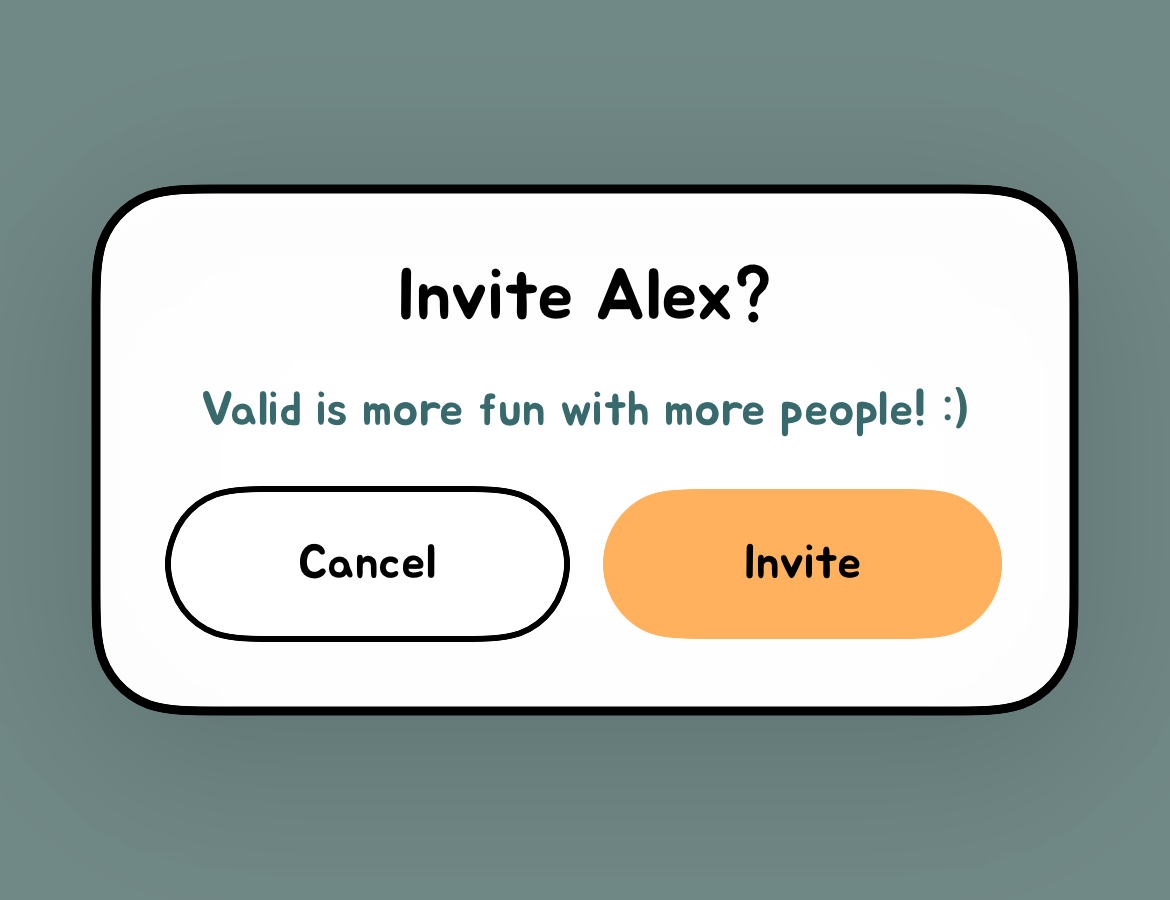
For example, after voting for a contact who has not joined, a member may see an Invite prompt. Choosing Invite opens a message composer. The member can review the message and recipients, then choose whether to send it. Opening the composer is not the same as sending the message.
How can someone be included before joining?
Members can select people saved in their contacts in polls, including people who have not created an account. A contact match or vote is not account registration. You can request removal and exclusion from voting without joining Valid.
How do I stop messages?
For texts sent by Valid’s messaging service, reply STOP when that option is provided. If an invitation came directly from someone’s personal number, ask that sender to stop or use your phone’s blocking controls. These are different channels.
You can also email [email protected]. Specify whether you want service texts stopped, your information removed, your number excluded from voting, or all three. You do not need to install the app to ask for help. Share the message and affected number privately with support.
Is Valid affiliated with Peek: Secret Compliment?
No. Valid — Compliment Classmates and Peek: Secret Compliment are separate, unaffiliated apps. Reports naming another app do not establish how Valid sends messages. Read Valid’s parent FAQ about non-affiliation and contact us about any concern involving Valid itself.
The September 2026 KNWA/FOX24 report names Peek: Secret Compliment and quotes contact-spreading concerns about that app. Its WGN republication names the same app. It is NOT related to Valid.